|
View our Change Manager high-level demo
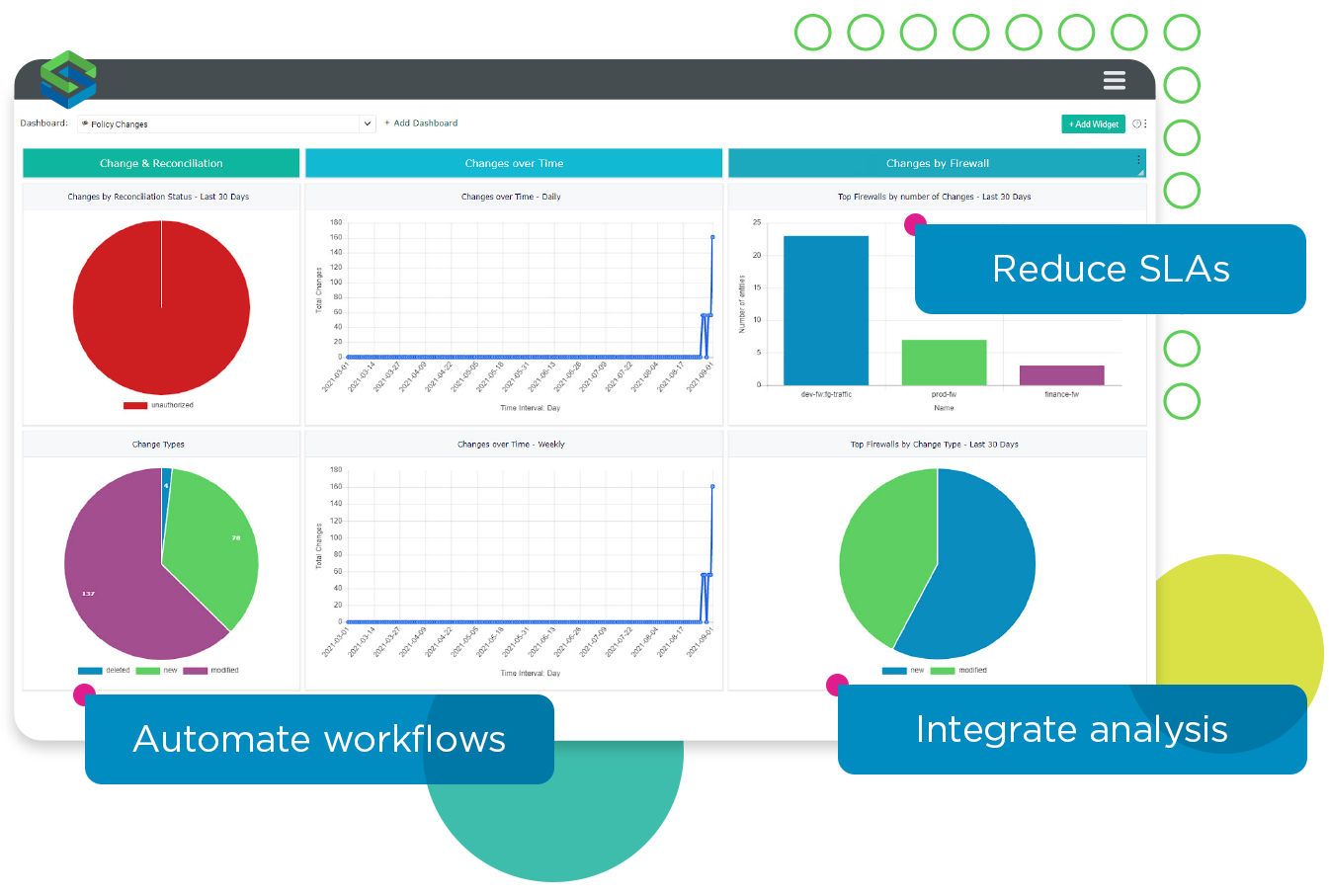
Firewall Change Made Easy Managing and tracking firewall changes manually is costly, time consuming, and prone to human error. An enterprise with 50 firewalls may spend 100-200 firewall administration hours a month simply managing routine changes. With Skybox® Change Manager network managers have a powerful tool for complete firewall workflow management. An out-of-the-box workflow process plus easily customized policies help organizations gain control of their change process quickly. With complete change life-cycle management, firewall administrators can ensure accurate firewall changes in a fraction of the time. Available as an add-on module for Firewall Assurance. |
Benefits
|


Classic features


Managing the large number of firewall change requests was proving to be a very difficult task for the firewall administration team. It took hours to manually check change requests against organizational best practices and change implementation was riddled with errors. Using Skybox Change Manager, this organization was able to centrally manage change requests, allowing users to check the request against the organization network policy and quickly identify any deviations from the policy.


Step 1 – Capture information. The user submits a short description of the change request and business requirements. The user submits the list of sources, destinations or services that are covered by the change request.
Step 2 – Technical specifications. The firewall specialist reviews and completes the source-destination-port list. Then Change Manager finds the relevant firewalls and checks whether the connectivity is already permitted or not.
Step 3 – Validation. Change Manager analyzes the change request and validates that changes are in compliance with pre-determined network policies. Change Manager identifies any violations that will occur if the change is implemented as well as the associated risk level.
Step 4 – Review. The user reviews the analysis, formalizes the rule and object changes, and submits the final change request.
Step 5 – Change verification. Change Manager determines if the change request has been submitted correctly. The user acknowledges the changes and closes the ticket.